LinkedIn is one of the most reliable channels for B2B lead generation, whether you are just starting outbound or trying to scale what you already have. But for most teams, results are inconsistent.
Some are setting up their first tools and unsure where to begin. Others already have Sales Navigator, enrichment tools, and outreach running, yet still struggle with low reply rates and thin pipeline.
The issue is rarely the channel. It is how the process is structured.
Most teams focus on finding contacts and sending messages, but skip a critical step: knowing which accounts are actually ready to engage.
This guide breaks down the best LinkedIn lead generation tools in 2026, what each one does, and how to use them in a way that works for both new and growing teams.
What Are LinkedIn Lead Generation Tools?
LinkedIn lead generation tools are software products that help sales teams find potential customers on LinkedIn, get their contact details, and send them messages. Some tools help you search for the right companies. Others give you emails and phone numbers. Some send messages automatically. A few help you figure out which companies are ready to buy before you reach out.
The best results come from using these tools in the right order, not from piling on more software.
Quick Answer: Best LinkedIn Lead Generation Tools in 2026
| Category | Best Tool |
|---|---|
| Finding target accounts | LinkedIn Sales Navigator |
| Signal-driven lead generation | Pintel.AI |
| Prospecting and email outreach | Apollo.io |
| Contact data for Europe | Cognism |
| Enterprise account targeting | 6sense |
| Enterprise contact database | ZoomInfo |
| LinkedIn message automation | Expandi |
| Email and LinkedIn outreach | Lemlist |
| Single contact lookup | Lusha |
| Custom data workflows | Phantombuster |
To understand why that matters, it helps to see how the whole process is supposed to work.
How LinkedIn Lead Generation Actually Works in 2026
Many teams treat LinkedIn lead generation as a simple two-step process: find people and send messages. That is why most outreach gets ignored.
In reality, it works as a sequence of connected steps. Each one builds on the previous. Skip one, and the whole process becomes less effective.
Step 1 — Find the right companies
Start with companies that match what you sell: industry, size, location, and stage.
Step 2 — Identify which companies are ready now
Not every company that fits your profile is ready to buy. Some are locked into contracts, lack budget, or are not actively evaluating solutions. Signals like new hires, funding, or leadership changes indicate which accounts are worth reaching out to today.
Step 3 — Find the right person
Once you know which companies to prioritize, identify the person who is most likely to make or influence the buying decision.
Step 4 — Get accurate contact details
Make sure you have a reliable way to reach them, whether through email, phone, or LinkedIn.
Step 5 — Add context to your message
Outreach works when it is specific. Referencing something relevant to the company, such as a recent hire or growth event, makes your message more likely to get a response.
Step 6 — Send outreach across channels
Reach out through LinkedIn, email, or a combination of both, depending on your approach.
Most teams move from step 1 directly to step 4 and start sending messages. That is where things break.
The difference comes from steps 2 and 5: prioritizing the right accounts at the right time and having a clear reason to reach out.
Why Most LinkedIn Lead Generation Tools Fall Short
Most LinkedIn lead generation tools focus on finding contacts and sending messages. They miss what actually drives results: timing and context.
Here is where things break:
- No timing insight
Tools cannot tell if a company is ready to buy now or not. - Too much focus on volume
More messages sent does not mean more replies. Without context, outreach feels generic. - Disconnected tools
Prospecting, enrichment, and outreach tools do not work together, so there is no clear prioritization.
The result is simple: good targeting, but poor outcomes.
Adding more tools does not fix this. Using the right tools in the right order does.
Best LinkedIn Lead Generation Tools in 2026: Full Breakdown
To make the right choice, you need to evaluate tools based on the role they play in your workflow, not just their features. The breakdown below maps each tool to the job it is meant to do.
Pintel.AI
Where it fits: AI-powered LinkedIn lead generation, LinkedIn prospecting, verified contact enrichment, buying signals, and outreach intelligence.
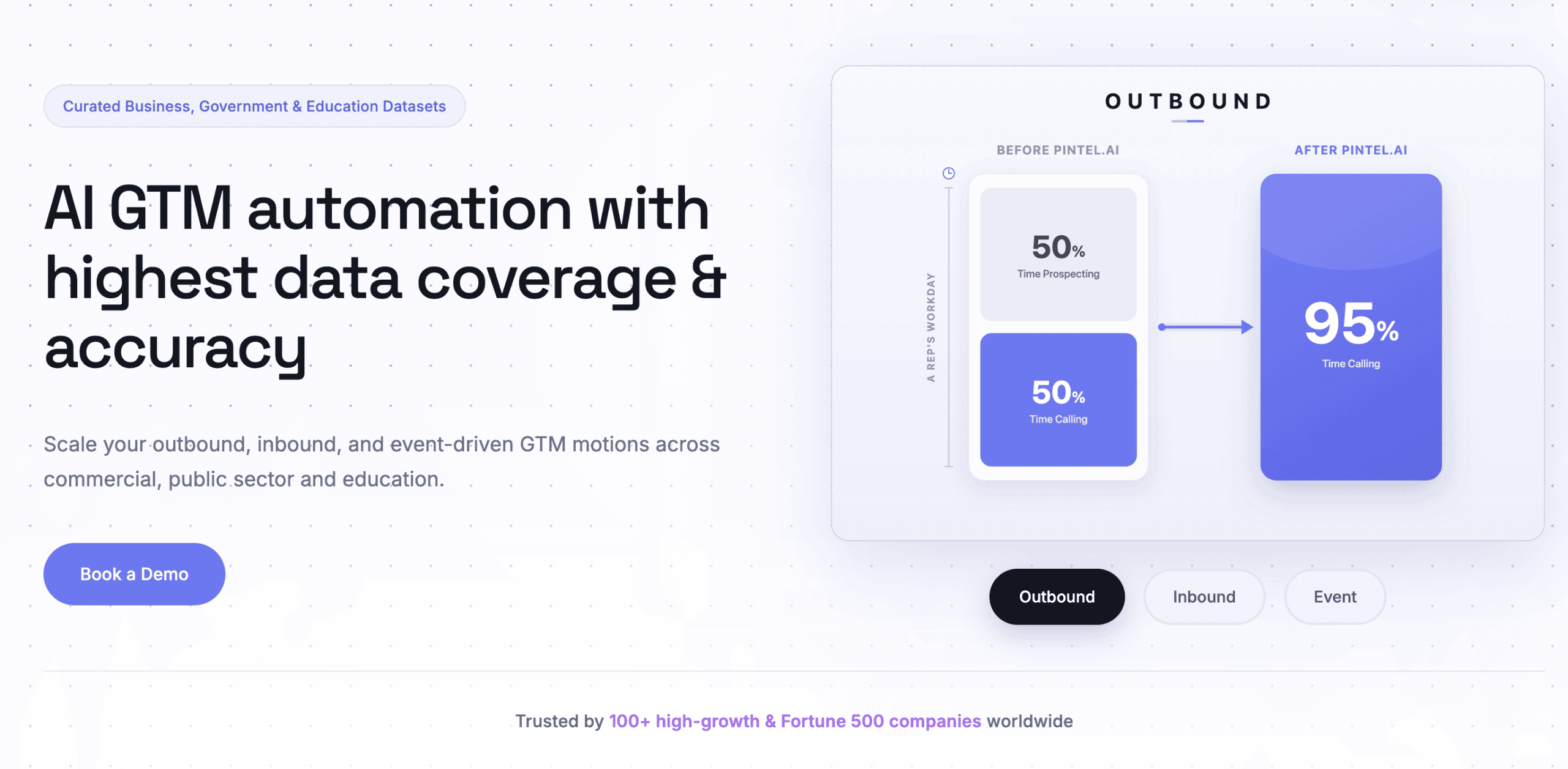
Pintel.ai helps B2B sales teams generate qualified B2B leads from LinkedIn by combining AI-powered company discovery, sales intelligence, buying signals, verified contact data, and outreach intelligence in one platform. Teams can build LinkedIn prospect lists that match their Ideal Customer Profile (ICP), identify companies showing buying intent, access verified decision-maker emails and phone numbers through Waterfall Enrichment, create priority-based persona cohorts, and personalize outreach using real-time company intelligence.
Why Choose Pintel.ai for LinkedIn Lead Generation
Build ICP-Based LinkedIn Prospect Lists
Discover companies that match your Ideal Customer Profile (ICP) using AI-powered company discovery, advanced company filters, and sales intelligence to generate targeted B2B leads for LinkedIn prospecting.
Prioritize LinkedIn Accounts Showing Buying Intent
Pintel.ai identifies companies showing buying signals such as hiring, funding, leadership changes, product launches, and business expansion, helping sales teams focus their LinkedIn outreach on accounts that are more likely to engage.
Find Verified LinkedIn Contact Data
Access verified business emails and phone numbers through Pintel.ai Waterfall Enrichment, which combines proprietary data with regional waterfall enrichment across 30+ data providers to improve global contact accuracy and coverage for LinkedIn prospecting.
Build Priority-Based LinkedIn Persona Cohorts
Create persona cohorts by defining the priority order of job roles and the number of contacts to extract from each company. For example, search for SDR Manager → Head of Sales Development → RevOps Manager → VP of Sales, and automatically return the highest-priority available contacts for every target account using Pintel.ai.
Personalize LinkedIn Outreach with AI
Generate AI-powered company research and outreach context using company intelligence and buying signals, helping sales teams create more relevant LinkedIn messages and email outreach that improve response rates with Pintel.ai.
Example
Suppose you’re selling a sales engagement platform to mid-market SaaS companies.
Configure a persona cohort to extract five contacts per company in this priority order:
- SDR Manager
- Head of Sales Development
- RevOps Manager
- VP of Sales
For every matching company, Pintel.ai identifies buying signals, returns the highest-priority available contacts, verifies emails and phone numbers through Pintel.ai Waterfall Enrichment, and provides AI-powered company intelligence for personalized LinkedIn outreach. Your team receives a sales-ready LinkedIn prospect list without manually researching every account.
LinkedIn Sales Navigator
Where it fits: Finding target companies and contacts
Sales Navigator is where most LinkedIn lead generation workflows start. It lets you search LinkedIn’s full database using filters like job title, seniority level, company size, industry, and how fast a company is growing. You can save searches, track accounts, and get updates when something changes at a company you are watching.
What works well: The search filters are detailed and reliable. You can build a list of companies and contacts that match your customer profile fairly quickly. The account tracking feature tells you when someone at a target company changes jobs or gets mentioned in the news.
What it does not cover: Sales Navigator does not give you email addresses or phone numbers. Its built-in alerts track LinkedIn activity, like posts and profile views, not signals like funding rounds or hiring trends. It covers the first step of the process and nothing beyond that.
When to use it: Every team doing LinkedIn outreach should have Sales Navigator. Just do not treat it as the full solution. As LinkedIn lead generation tools go, it is where you start, not where you finish.
Apollo.io
Where it fits: Getting contact details and sending email sequences
Apollo.io has a large database of business contacts. You can search for people by job title, company size, industry, and location, then get their email address or phone number. It also has a tool for sending email sequences.
What works well: The database is large and covers North America well. The Chrome extension lets you pull contact details from a LinkedIn profile page. The email sequencing tool is straightforward to set up.
Where it falls short: Data quality outside the US, especially in Asia-Pacific and Latin America, is not always reliable. The intent signals included in Apollo.io come from third-party sources and are not very detailed. Individual features are solid but rarely as good as dedicated tools built just for that one job.
When to use it: Apollo.io works well for smaller teams that want prospecting, contact data, and email outreach without managing several separate tools. It is also a more affordable option compared to ZoomInfo for teams that do not need enterprise-level compliance features.
Cognism
Where it fits: Getting contact details, especially for European markets
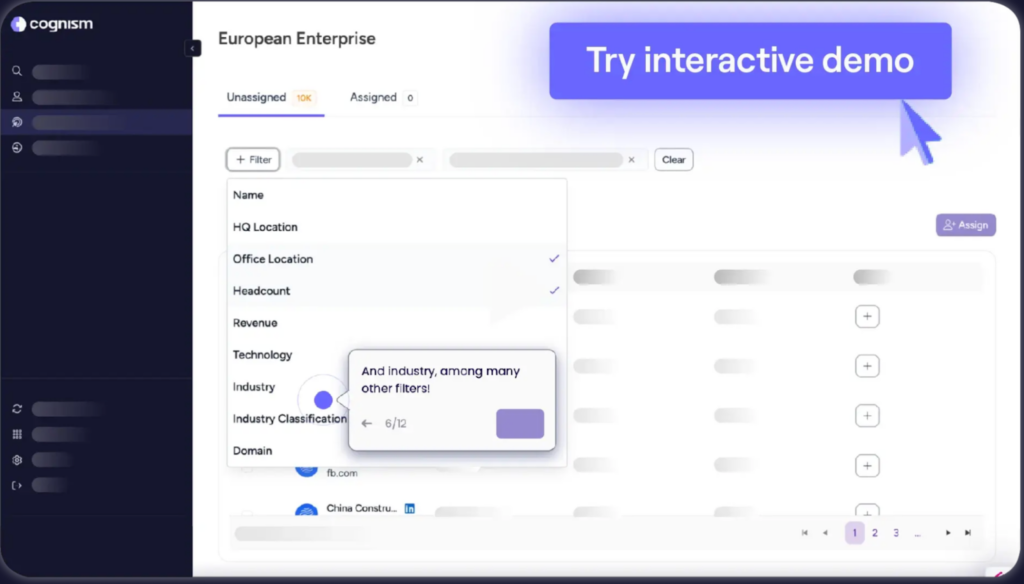
Cognism’s main feature is what they call Diamond Data — phone numbers that have been checked by a real person before being added to their database. For teams doing cold calling in Europe, this matters because many contact databases have high rates of wrong or disconnected numbers.
Cognism also has GDPR compliance built into how it collects data, not just added afterward as a filter. That is important for teams selling into Europe where privacy rules are strict.
When to use it: If your target customers are in Europe and your team does cold calling, Cognism is the right choice for contact data. If your focus is North America, Apollo.io or ZoomInfo will have better coverage.
ZoomInfo
Where it fits: Contact data and company research for large teams
ZoomInfo has one of the largest B2B contact databases available. What makes it different from other contact tools is org chart data — you can see how a company is structured, who reports to whom, and who the decision-makers are across departments.
For teams selling to large companies where multiple people are involved in the buying process, that visibility is genuinely useful. It helps you find the right people across a buying committee rather than just one contact.
When to use it: ZoomInfo makes sense for larger sales teams handling complex deals. It is expensive and takes some time to set up well. Smaller teams will usually get better value from Apollo.io or Cognism.
Lusha
Where it fits: Getting contact details for a single person
Lusha is a simple Chrome extension. When you are on someone’s LinkedIn profile, it shows you their email address and phone number. It is not built for pulling large lists or running sequences. It is for the moment when a rep finds a specific person and needs their contact details quickly.
When to use it: When someone on your team finds a prospect on their own and needs to reach them directly. Not the right choice for building lists in bulk.
Expandi
Where it fits: Sending automated messages on LinkedIn
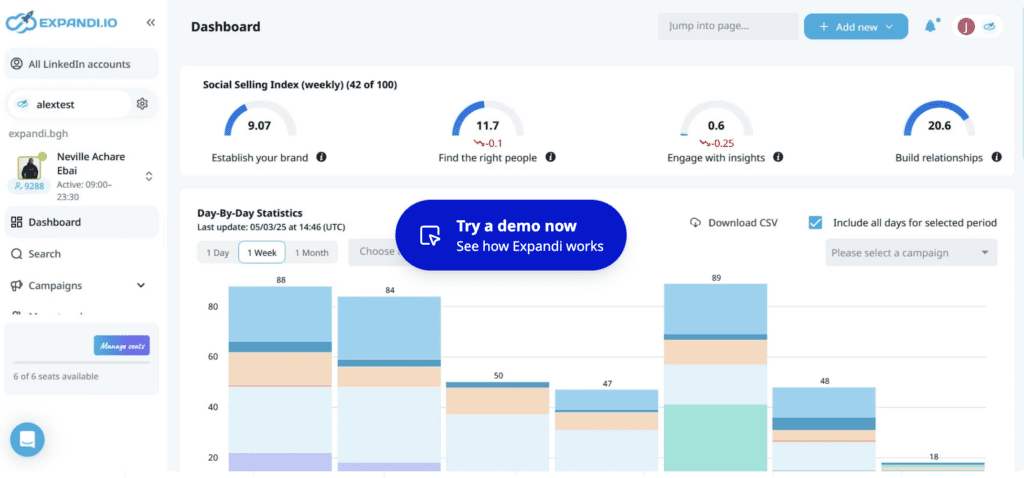
Expandi automates LinkedIn outreach: connection requests, follow-up messages, and InMails. It runs through a server rather than your browser, so it does not require your computer to be on. It uses a separate IP address for each account, which lowers the risk of LinkedIn flagging the activity as automated.
When to use it: When your team has a solid, targeted list and needs to send LinkedIn messages at volume without doing it by hand. The quality of your results depends on the quality of your list. Good automation with a weak or untargeted list still gives you weak results.
Lemlist
Where it fits: Sending outreach across email and LinkedIn in the same sequence
Lemlist lets you build sequences that include both email and LinkedIn steps in one place. You can mix connection requests, follow-up messages, and emails in a single campaign. It also has a feature that helps keep your emails out of spam folders by gradually increasing your sending volume on a new domain.
When to use it: When your team wants to combine email and LinkedIn outreach in a single coordinated sequence. Works best when your contact list is clean and you have tested your messaging before scaling.
Phantombuster
Where it fits: Custom data tasks that standard tools do not handle
Phantombuster lets you automate specific LinkedIn tasks: pulling data from search results, saving profile information, sending connection requests based on a search, and more. It is built around small, individual automations that you can connect together.
When to use it: For operations teams that need to pull data or run tasks that off-the-shelf tools do not support. It requires some technical comfort to set up. It is not designed for day-to-day sales rep use.
6sense

Where it fits: Identifying which large accounts are actively researching a purchase
6sense tracks research behavior across the web to predict which companies are actively looking at products like yours. It can flag companies that are in a buying process even before they reach out to anyone. It also connects marketing and sales so both teams can work from the same target account list.
When to use it: When you have a large team, a long list of target accounts, and marketing and sales coordinating together. Without that coordination, the value drops significantly. Setup takes two to three months. Not practical for smaller teams or teams focused only on outbound sales.
LinkedIn Lead Generation Tools Compared
This table shows where each tool fits in the process, what makes it useful, and where it falls short. Use it to spot gaps in what you currently have rather than comparing tools in isolation.
| Tool | Where It Fits | What Makes It Useful | Main Weakness |
|---|---|---|---|
| LinkedIn Sales Navigator | Finding target accounts | Detailed search filters on LinkedIn | No contact details or buying signals |
| Pintel.AI | Signals, contacts, details, and message context | Covers four steps in one place | Works best for focused account-based outreach |
| Apollo.io | Contact data and email outreach | Large database, good North America coverage | Less reliable outside the US |
| ZoomInfo | Contact data for large teams | Org chart depth and compliance features | Expensive; longer setup |
| Cognism | Contact data for European markets | Phone-verified numbers, built-in GDPR compliance | Weaker North America coverage |
| Lusha | Single contact lookup | Fast and simple Chrome extension | Small database; not for bulk use |
| Expandi | LinkedIn message automation | Runs on a server; lower account risk | LinkedIn only; no contact data |
| Lemlist | Email and LinkedIn sequences together | Combines both channels in one sequence | LinkedIn steps need Chrome extension |
| Phantombuster | Custom data tasks | Flexible, modular automations | Requires technical setup |
| 6sense | Large enterprise account targeting | Tracks buying behavior across the web | Needs marketing and sales to work together |
Best LinkedIn Lead Generation Tools by Team Type
Small teams just getting started: Pintel.AI, Apollo.io, and Sales Navigator are a good starting point. Apollo.io gives you contact data and a simple way to send email sequences. Pintel.AI helps you find the right companies. When you want to improve reply rates.
Mid-sized outbound teams: Sales Navigator to build your list, Pintel.AI to identify which accounts are ready and give your reps context for their messages, and Apollo.io or Cognism to get contact details. This combination addresses the most common problem at this stage: sending the same message to every account on your list regardless of where they are in their buying process.
Large enterprise teams: Pintel.ai, ZoomInfo, or Cognism for contact data, 6sense for tracking which enterprise accounts are in a buying process, and Lemlist or Expandi for sending outreach. At this scale, the tools need to share data and work as a coordinated system.
Teams selling into Europe: Cognism for contact data, Sales Navigator for finding accounts, and Lemlist for outreach. Cognism’s verified phone numbers and built-in compliance make it the right call for European markets.
SDR teams sending high volume on LinkedIn: Sales Navigator to build the list, Pintel.AI to prioritize which accounts are worth contacting first, and Expandi to send the messages. Without Pintel.AI, SDRs spend the same time and effort on accounts that are ready and accounts that are not.
How to Pick the Right LinkedIn Lead Generation Tools
Instead of choosing tools based on features, evaluate them based on what part of the process they support. The goal is to cover each step that drives results.
Account identification
Can you clearly define and find companies that match your ideal customer profile based on industry, size, and growth?
Buying signals and timing
Can you identify which of those companies are actually ready to engage right now based on signals like hiring, funding, or leadership changes?
Contact identification
Can you find the right person within each account who is likely to make or influence the decision?
Contact enrichment
Can you reliably get accurate email addresses or phone numbers for those contacts across your target regions?
Outreach context
Do you have enough information to make your message specific and relevant to what is happening inside the account?
Execution and scaling
Can you consistently reach out across channels without relying entirely on manual effort?
The goal is not to have more tools, but to ensure each of these steps is covered in a connected way.
Choosing the Right LinkedIn Lead Generation Tools
The LinkedIn lead generation tools you choose matter less than how they fit into your process.
Effective LinkedIn lead generation follows a simple sequence: find the right companies, identify which ones are ready to engage, reach the right person, and send a message that reflects what is happening inside their business.
Most teams skip the middle steps and rely only on prospecting and outreach tools. That is why even strong LinkedIn lead generation tools fail to deliver consistent results.
Focus on fixing the gaps in your process first, then choose LinkedIn lead generation tools that support each step.
FAQ
What are LinkedIn lead generation tools?
LinkedIn lead generation tools are platforms that help B2B teams find potential customers, identify decision-makers, get contact details, and reach out through LinkedIn or email. Different LinkedIn lead generation tools support different parts of the process, from targeting to outreach.
What are the best LinkedIn lead generation tools in 2026?
The best LinkedIn lead generation tools in 2026 depend on your workflow. Some are built for finding accounts, others for enrichment or outreach. The most effective setups combine a few LinkedIn lead generation tools that cover targeting, timing, and execution.
How do LinkedIn lead generation tools improve reply rates?
LinkedIn lead generation tools improve reply rates when they help you reach the right person at the right time with relevant context. Tools that only provide contacts or automate outreach without timing signals often lead to low engagement.
Can you use LinkedIn lead generation tools without Sales Navigator?
Yes, some LinkedIn lead generation tools offer their own databases and search capabilities. However, many teams still use Sales Navigator for more precise targeting and account tracking alongside other tools.
Are LinkedIn lead generation tools safe to use?
Most LinkedIn lead generation tools are safe when used within platform limits. Issues usually happen when automation is overused or when outreach looks like spam. A balanced approach focused on relevance works best.
How many LinkedIn lead generation tools do you actually need?
Most teams only need two to four LinkedIn lead generation tools. The key is to cover each step of the process, not to stack multiple tools that solve the same problem.
What is the difference between LinkedIn prospecting tools and enrichment tools?
LinkedIn prospecting tools help you find companies and contacts, while enrichment tools provide verified contact details like email addresses and phone numbers. Both types of LinkedIn lead generation tools are used at different stages of the process.
Do LinkedIn lead generation tools work for small teams?
Yes, LinkedIn lead generation tools can be very effective for small teams. Starting with a simple setup and focusing on the right accounts and timing often delivers better results than using multiple complex tools.