How Sales Teams Identify the Right Decision-Makers Around EuroShop (Even If They Start from Scratch)
Sales teams recognize EuroShop as an important buying signal, but turning that signal into a clear list of companies and decision-makers is rarely straightforward.
Some teams start with nothing more than an event name. Others have an exhibitor page or a partial CSV that doesn’t explain who actually matters. Regardless of the starting point, the challenge is the same: identifying the right decision-makers inside the right companies with enough confidence to take action.
This guide walks through the exact workflow sales teams use to turn a EuroShop signal into outreach-ready decision-makers, even when starting from incomplete or messy data.
What EuroShop Signals for Sales Teams
EuroShop is one of the largest global retail trade fairs, bringing together retailers, brands, and technology providers focused on store operations, customer experience, and retail systems.
For sales teams, EuroShop attendance is a strong intent signal. Companies that engage with the event are often evaluating vendors, planning operational changes, or exploring new investments tied to retail performance.
What EuroShop does not provide is decision clarity. Public event data rarely explains which companies are relevant buyers or who inside those companies owns budgets and decisions. Turning the event signal into outreach-ready decision-makers requires additional qualification.
Without a way to qualify companies and roles early, teams are forced to fill this gap manually, and that’s where most event prospecting breaks down.
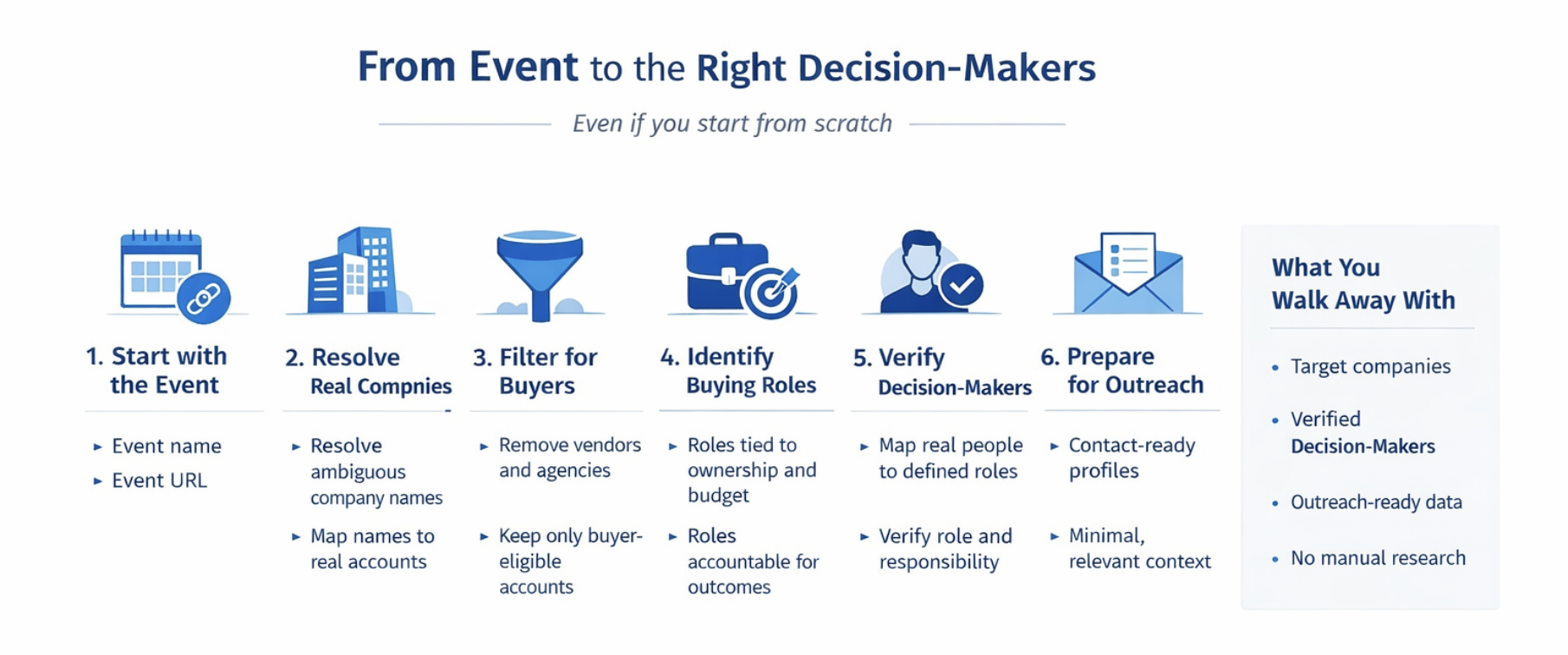
The Workflow: From Event to Outreach-Ready Decision-Makers
1. The Real Problem Users Face
Event prospecting usually fails because teams mistake information for readiness.
Getting names feels like progress, but names alone don’t answer the real questions:
Who can buy?
Who decides?
Who is worth time and effort?
When those questions stay unanswered, outreach becomes random, slow, and ineffective.
The gap isn’t effort — it’s clarity.
2. Where Users Actually Start
In reality, teams rarely begin with clean data.
They might have:
- just an event name
- an event website listing companies or speakers
- a partial or outdated CSV
Any workflow that assumes perfect inputs from day one breaks immediately.
Pintel is built for this reality — where inputs are incomplete, ambiguous, and messy — and still needs to lead to confident decisions.
3. Why “Finding Companies” Is the Easy Part
Collecting company names is rarely the bottleneck.
The real issue is that raw lists don’t explain:
- whether a company is a buyer or just noise
- whether it fits your ICP
- whether it’s relevant to what you sell
Many teams stop here and move straight to outreach.
That’s why results feel inconsistent.
The real work begins after names are collected.
4. Step 1: Use the Event as the Signal (Even from Scratch)
Every workflow starts by treating the event itself as a signal of intent.
That signal can come from:
- the event name
- the event URL
At this stage, company names may be abbreviated, unclear, or duplicated.
That’s expected.
The goal is not precision yet.
The goal is capturing relevance tied to the event.
5. Step 2: Turn Names into Real, Usable Accounts
This is where event data becomes meaningful and usable.
Names pulled from event pages are often incomplete, ambiguous, or misleading.
A company name on its own does not represent a real account.
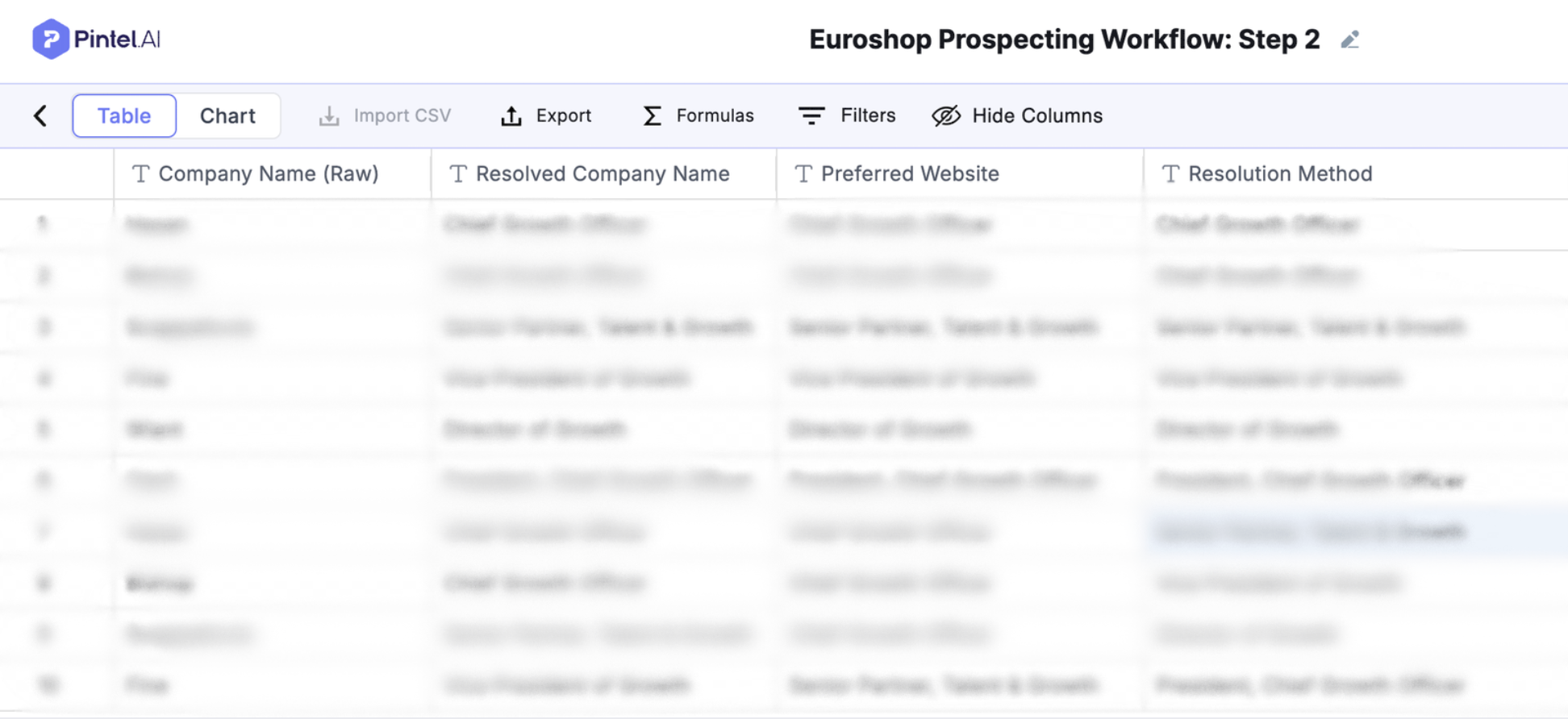
To make it usable, the name must be resolved into a clear company identity.
That means:
- determining what the company actually is
- resolving ambiguity between similar or abbreviated names
- identifying the correct, preferred website when multiple options exist
At the end of this step, every row represents a real company, not just a name. No assumptions about fit or buying intent are made yet.
6. Step 3: Filter for Companies That Can Actually Buy
Not every company associated with an event represents an opportunity.
Before moving to people, irrelevant companies must be removed:
- vendors
- agencies
- service providers
- institutions outside the target market
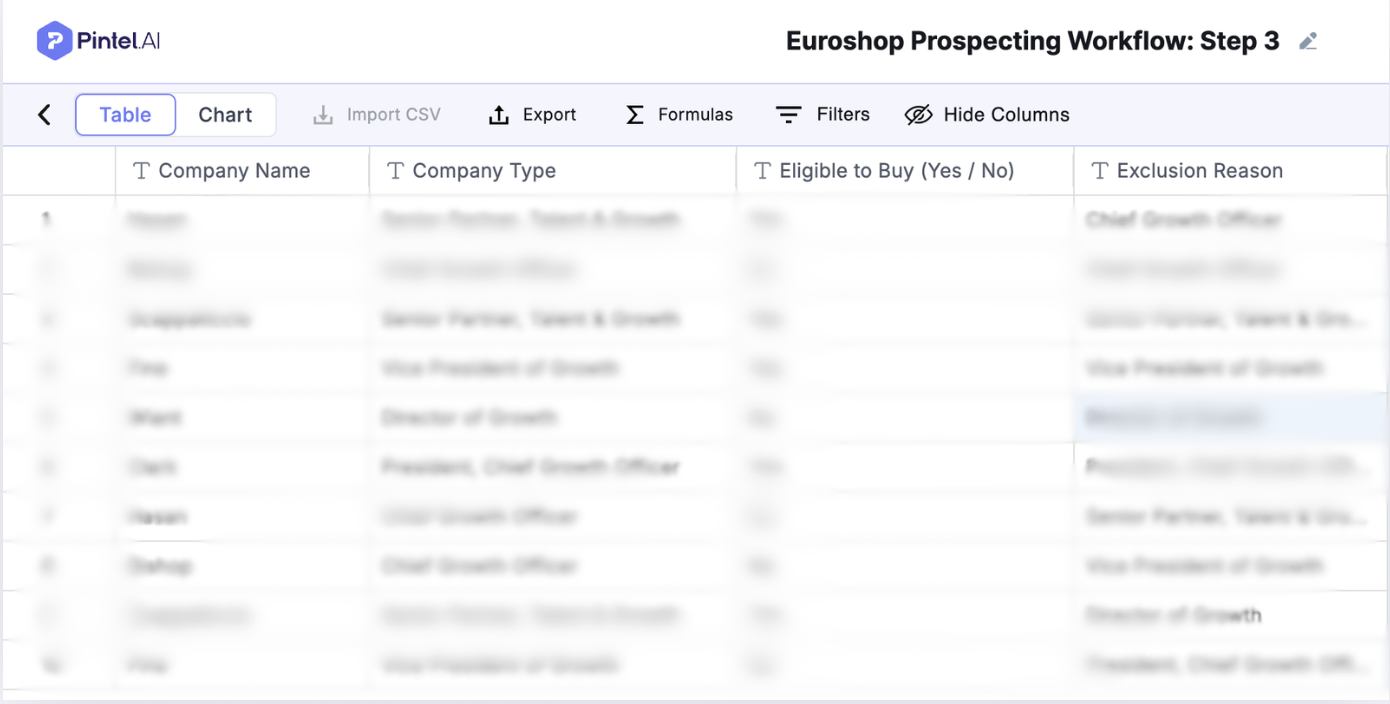
At this stage, the user defines what “eligible to buy” means for their business using a simple prompt.
This prompt captures basic disqualifiers, such as vendors, agencies, or out-of-scope organizations, and applies that logic automatically across all companies.
Relevance needs to be decided early, not after outreach begins.
Prospecting fails when filtering happens too late.
7. Step 4: Decide Who Matters Inside Each Company
This is the most important step.
Titles alone don’t tell you who buys.
Decision-making depends on:
- what you sell
- how the company is structured
- who owns outcomes and budgets
The objective is not to collect contacts.
The objective is to identify decision-makers with context.
That means prioritizing roles tied to ownership, budget, or results — and ignoring generic or non-buying roles.
8. Step 5: Find and Verify Those Decision-Makers
Once the right roles are defined, the focus shifts to identifying the right people who actually fill those roles today.
This isn’t always straightforward — titles vary, profiles change, and public data is rarely perfect.
What matters at this stage is moving from assumption to confidence:
- mapping real people to the roles you already identified
- verifying that each person genuinely fits the role and responsibility
- reducing guesswork before any outreach begins
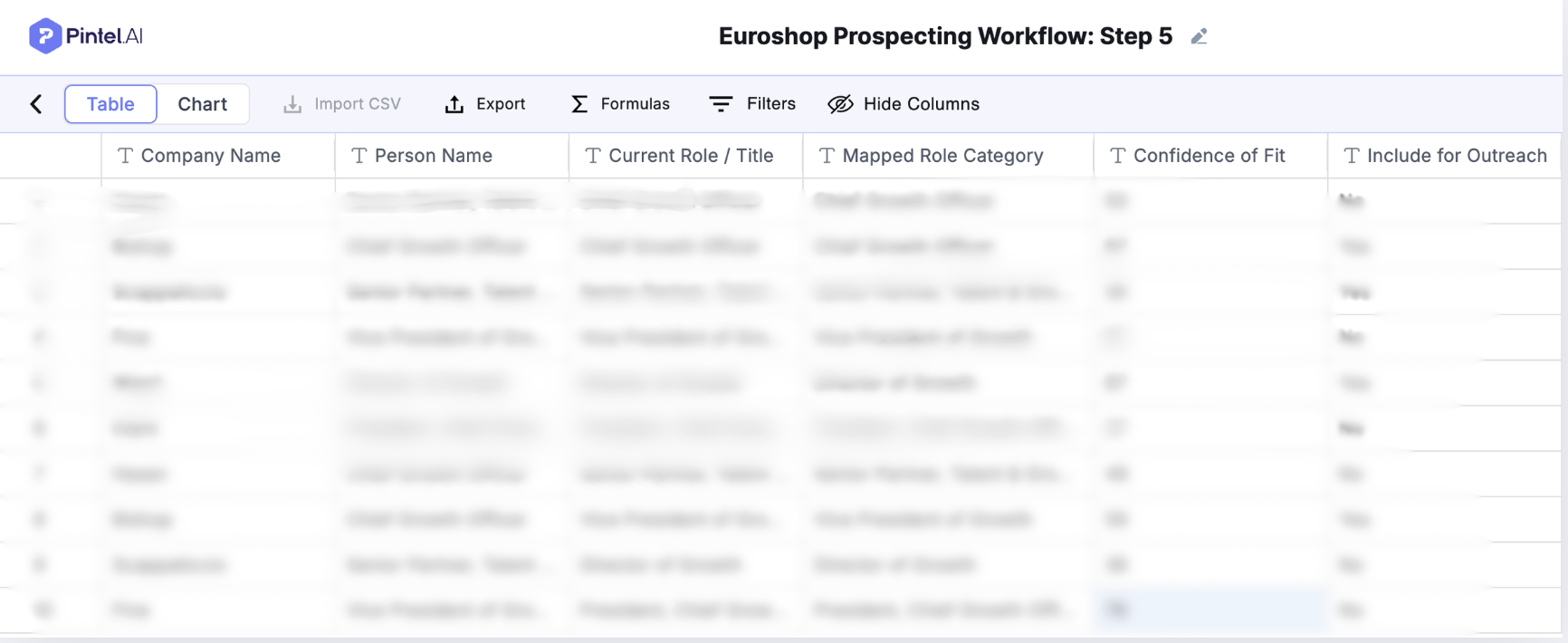
At this stage, the roles defined earlier are mapped to real people using company and event context, and each match is verified for relevance.
This ensures outreach is based on confirmed responsibility and ownership — not assumptions drawn from titles alone.
Additional context only becomes useful once companies and decision-makers are clearly defined. Without that clarity, enrichment just adds noise.
When this step is done well, outreach feels intentional and justified, not speculative.
9. Step 6: Add Just Enough Context for Outreach
At this stage, the workflow shifts from research to execution.
Only context that directly improves outreach is added.
This typically includes:
- segmentation by region, market, or persona
- verified contact details
- basic timing and relevance signals
The goal is not to enrich endlessly.
It’s to make outreach clear, timely, and confident.
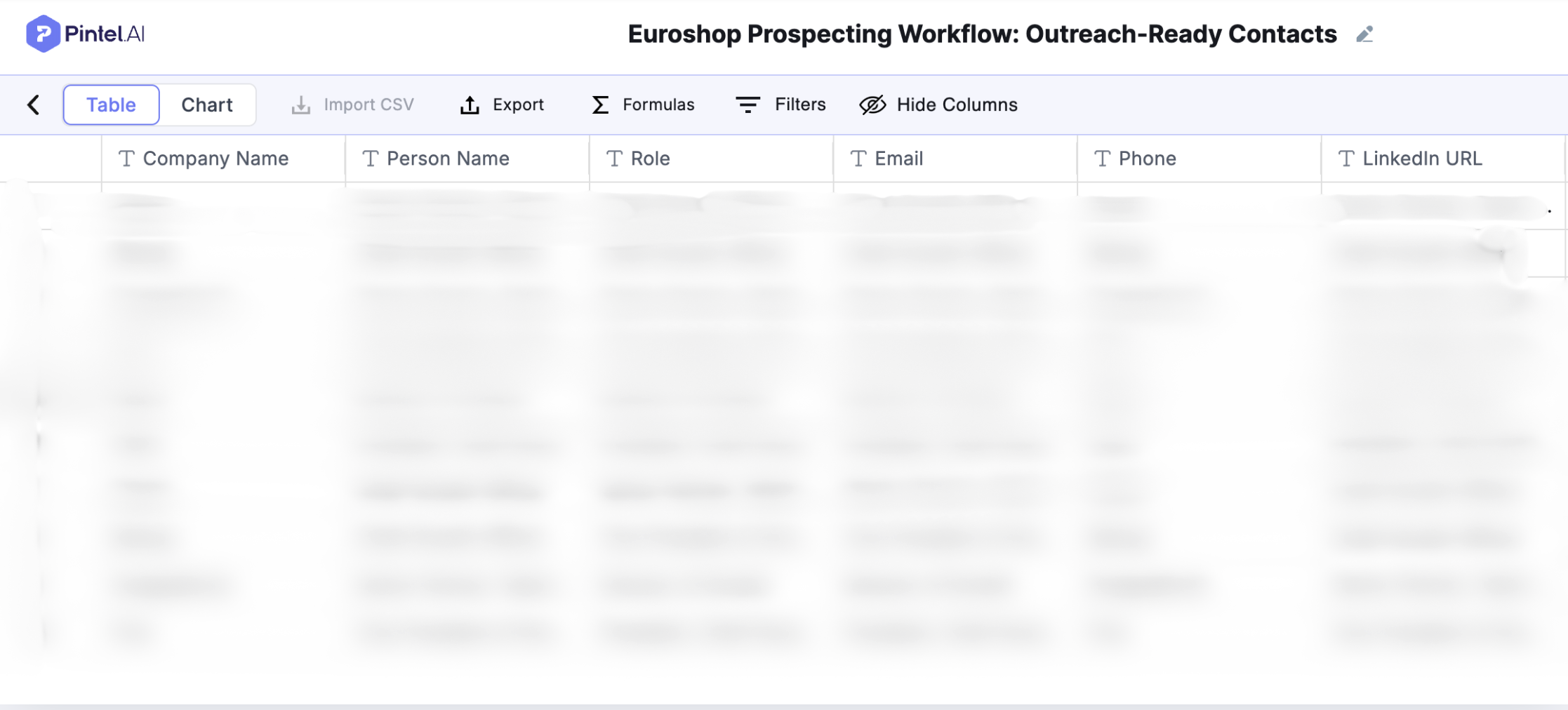
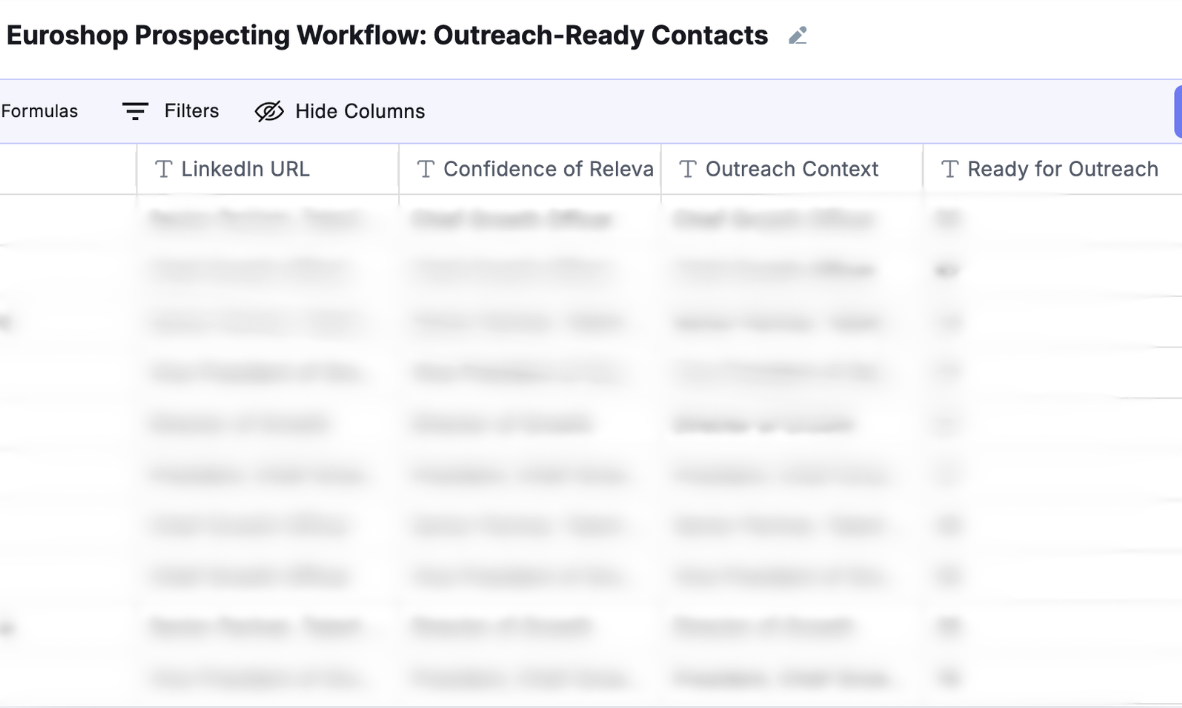
Note: If deeper context is required for a specific account or persona, Pintel allows teams to add targeted enrichment through a prompt. This is optional and applies only where it directly supports outreach, helping teams avoid unnecessary enrichment and control data costs.
Context at this stage is lightweight and situational.
For example, knowing that a company is expanding store locations or actively hiring for retail operations roles can be enough to explain why outreach is relevant, without requiring deep personalization or long research cycles.
That context then anchors the pitch.
Outreach can be framed around the operational change the company is experiencing, rather than a generic introduction.
More data doesn’t always lead to better results.
Clarity does.
10. Final Outcome: What the User Walks Away With
By the end of this workflow, the user has:
- a clear list of target companies, filtered early to remove noise and non-buyers
- the right decision-makers inside those companies, identified based on ownership and responsibility, not just titles
- contact-ready data, prepared only after relevance and confidence are established
- no manual research loops, no guesswork, and no late-stage filtering
Each step builds on the last, ensuring that outreach is based on decisions already made, not assumptions made on the fly.
This turns event interest into a repeatable, confident prospecting motion that teams can trust and scale.
From Event Signal to Decision Clarity
This is what turns events from awareness signals into pipeline inputs.
The difference between wasted effort and real pipeline is not activity; it’s decision clarity.
Teams that win with events are able to move from awareness to action by answering three questions early and correctly:
- Which companies actually matter
- Who inside those companies decides
- Why outreach makes sense right now
This workflow is designed to answer those questions before outreach begins.
Pintel.AI provides event workflow automation, helping teams go from “this event looks important” to “we know exactly who to contact and why”.
FAQ
How can I find EuroShop attendees?
EuroShop does not always publish a complete attendee list publicly. Most teams start with event pages, exhibitor lists, speaker pages, and related public sources to identify companies and people associated with the event.
Is there an official EuroShop attendee list available?
There is no single official, publicly accessible list of all EuroShop attendees. Available information is usually spread across exhibitor directories, speaker agendas, and partner listings, which need to be consolidated and cleaned before use.
How do sales teams use EuroShop attendees for prospecting?
Sales teams treat EuroShop attendees as an intent signal. The goal is not to contact everyone, but to identify which companies are relevant buyers and then map the right decision-makers inside those companies before outreach begins.
What is the best way to identify decision-makers attending EuroShop?
The most effective approach is to first resolve attendee company names into real accounts, filter for buyer-eligible companies, and then identify roles tied to ownership or budget within those companies, rather than relying on titles alone.
Can EuroShop attendee data be used for outbound sales?
Yes, when used correctly. EuroShop attendee data becomes effective for outbound only after companies are qualified and decision-makers are verified. Using raw lists without this step often leads to low response rates.
How is EuroShop attendee prospecting different from buying a list?
Buying a list provides names without context. Effective EuroShop attendee prospecting focuses on relevance, role ownership, and timing, ensuring outreach is intentional rather than volume-driven.
Can this workflow be applied to other events besides EuroShop?
Yes. While this guide uses EuroShop attendees as an example, the same workflow applies to any B2B event where companies and decision-makers need to be identified from incomplete or fragmented data.